3PL Pulse is Now on the ShipBob App Store
You know the feeling. Customer emails asking where their order is. You check Shopify: “Unfulfilled.” You check ShipBob: order’s there, but… what’s actually happening to it?
This is the black box problem. Order goes in. Tracking number comes out. Everything in between? Mystery.
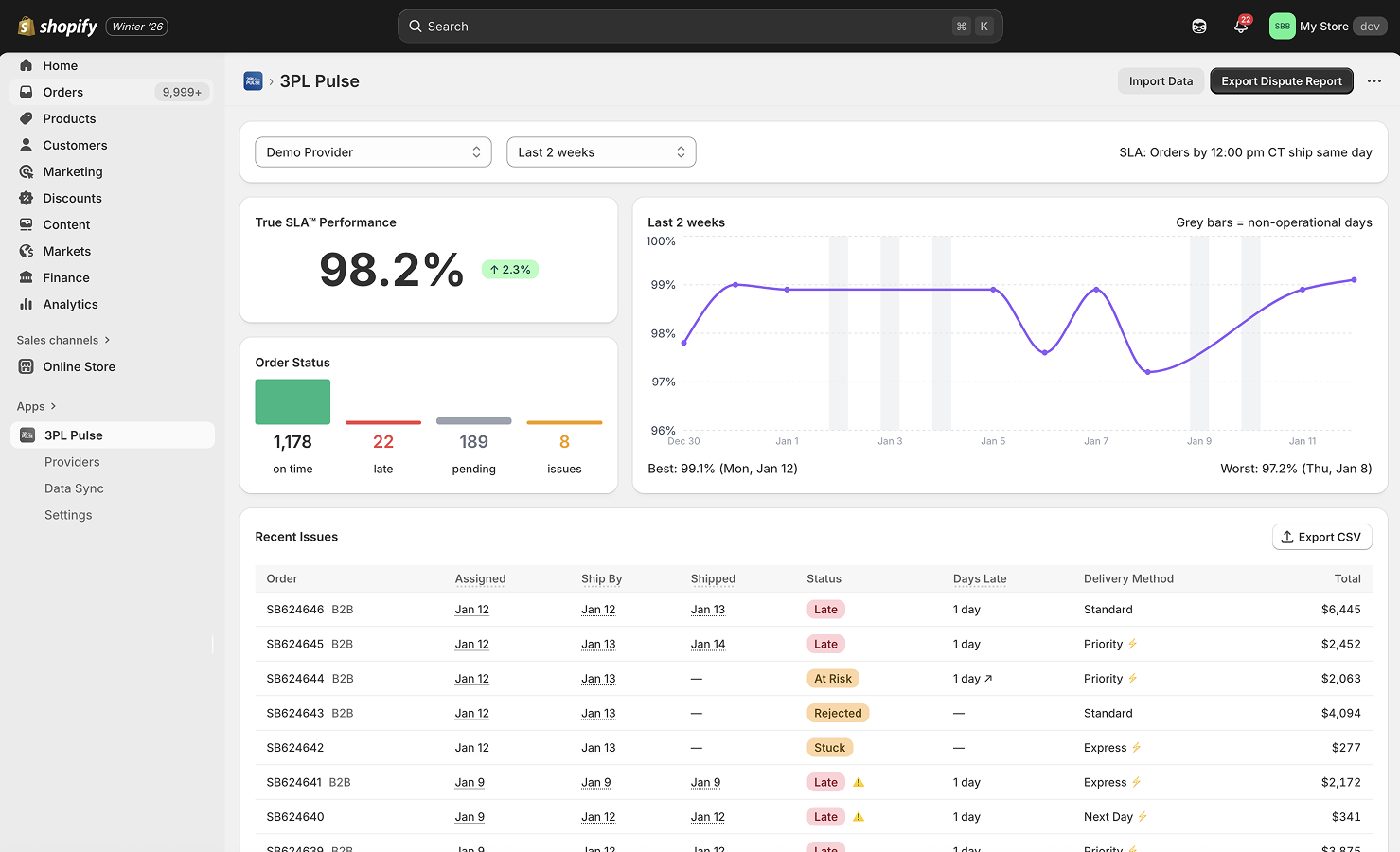
Track your ShipBob fulfillment performance at a glance
The Real Cost of No Visibility
When you can’t see what’s happening inside fulfillment:
- Customers ask before you know there’s a problem. By the time they email, they’re already frustrated.
- You’re reactive, not proactive. Support becomes damage control instead of prevention.
- SLA breaches go unnoticed. That 2-day shipping promise? You find out it took 5 days when the review hits.
- You can’t have real conversations with your 3PL. “Feels slow” isn’t data.
ShipBob’s dashboard is great for day-to-day ops. But connecting that data back to your Shopify order timeline takes manual work.
What If You Could See Inside?
Imagine knowing:
- Which orders are still in processing (and for how long)
- Your actual order-to-ship time, not just what ShipBob reports
- When an order is about to breach your SLA, before it does
- Trends over time: is fulfillment getting faster or slower?
3PL Pulse gives you that visibility.
3PL Pulse is Now on the ShipBob App Store
We just got accepted into ShipBob’s official App Store.
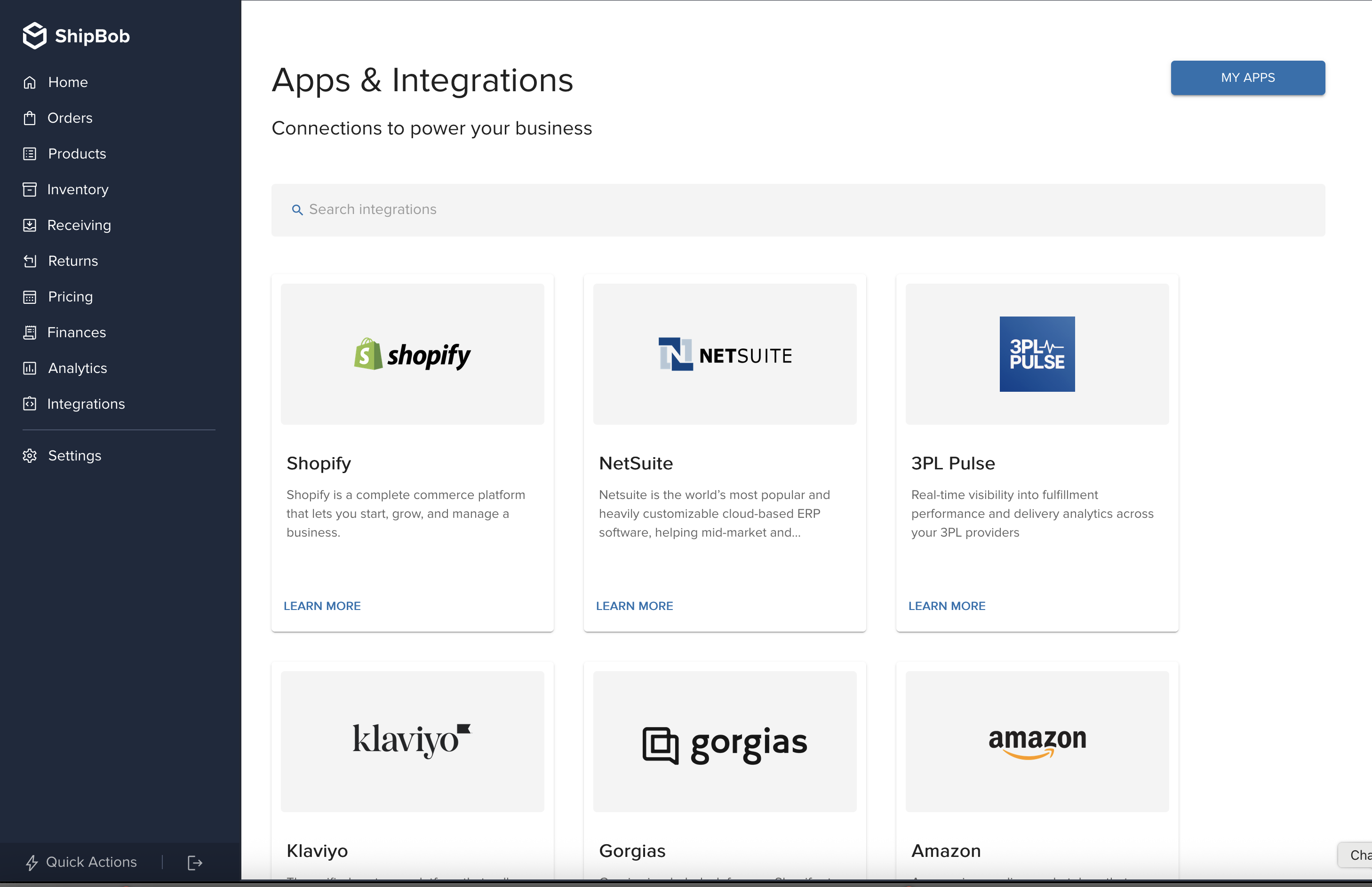
3PL Pulse is now available in ShipBob's Apps & Integrations
Connect your data: Link your Shopify store and ShipBob account. We pull order data from both and match them up.
See the full picture: Track every order from placement to shipment. See exactly how long each stage takes.
Catch problems early: Set SLA thresholds and get visibility into which orders are at risk before customers notice.
Track trends: Is this week better or worse than last month? Now you’ll know.
How to Get Started
- Log into your ShipBob merchant portal
- Go to Integrations → App Store
- Search for “3PL Pulse”
- Connect your Shopify store
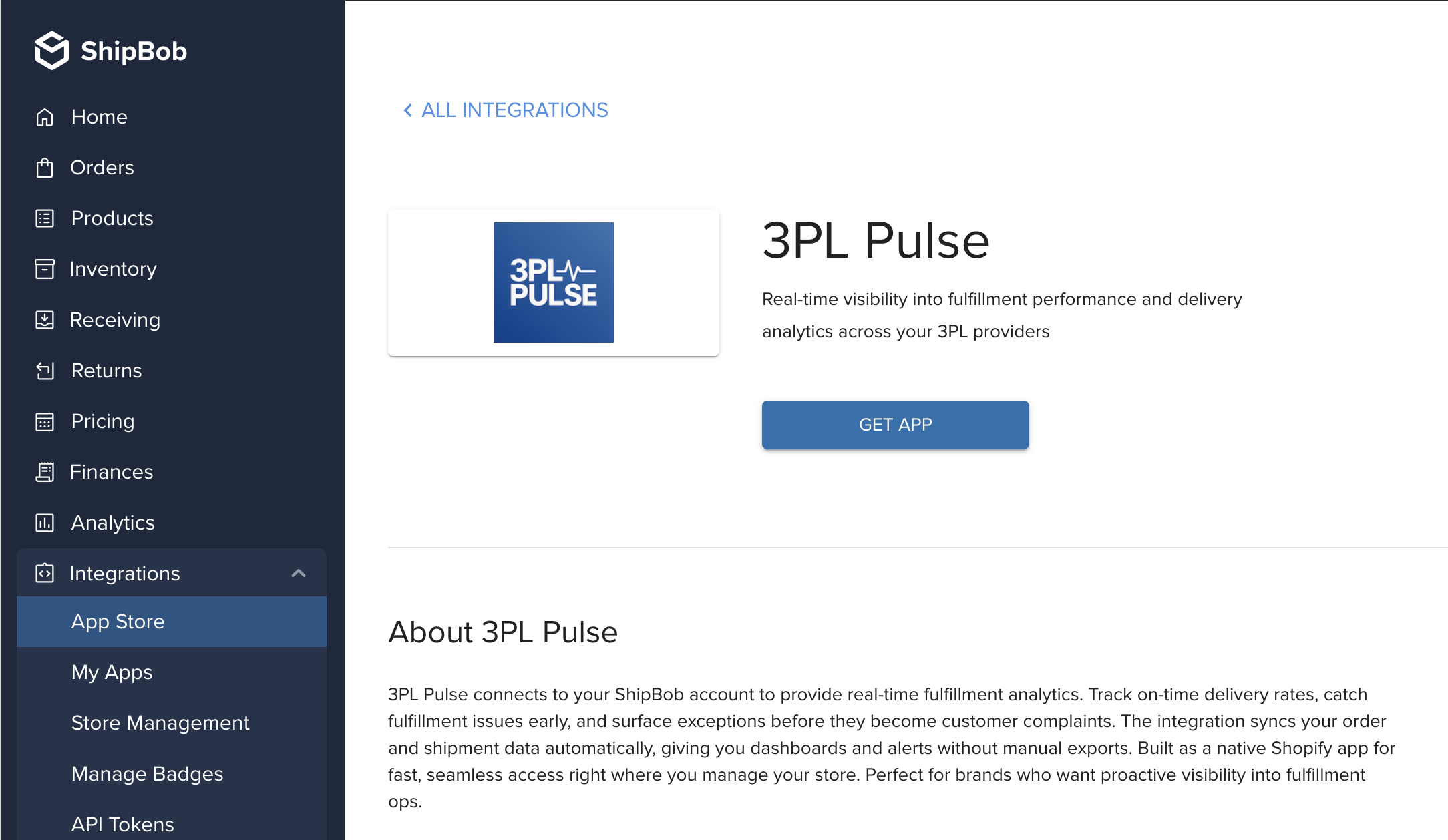
Click 'Get App' to connect your ShipBob account
That’s it. First sync pulls your last 30 days of orders and you’ll start seeing your fulfillment performance immediately.
Questions? Reach out or book a demo if you want a walkthrough.